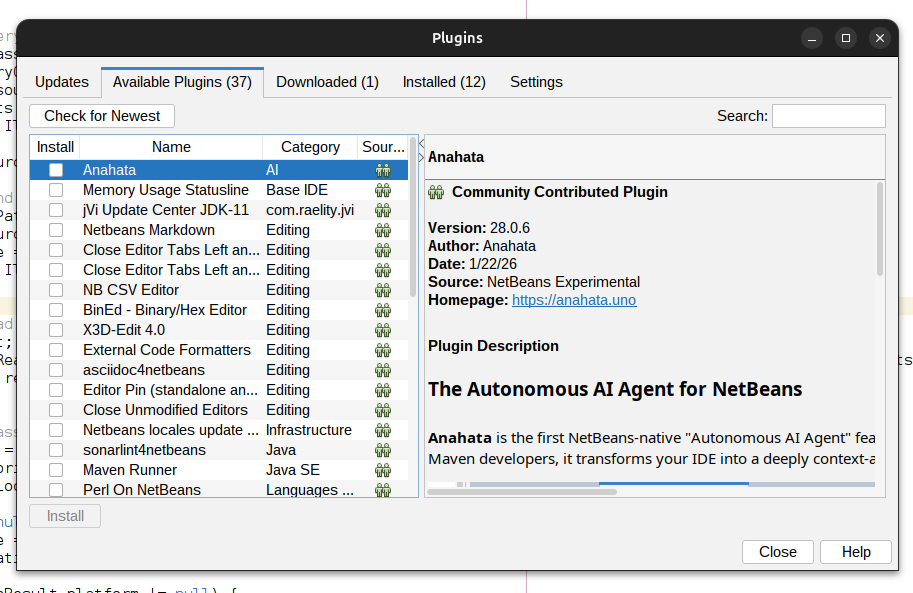
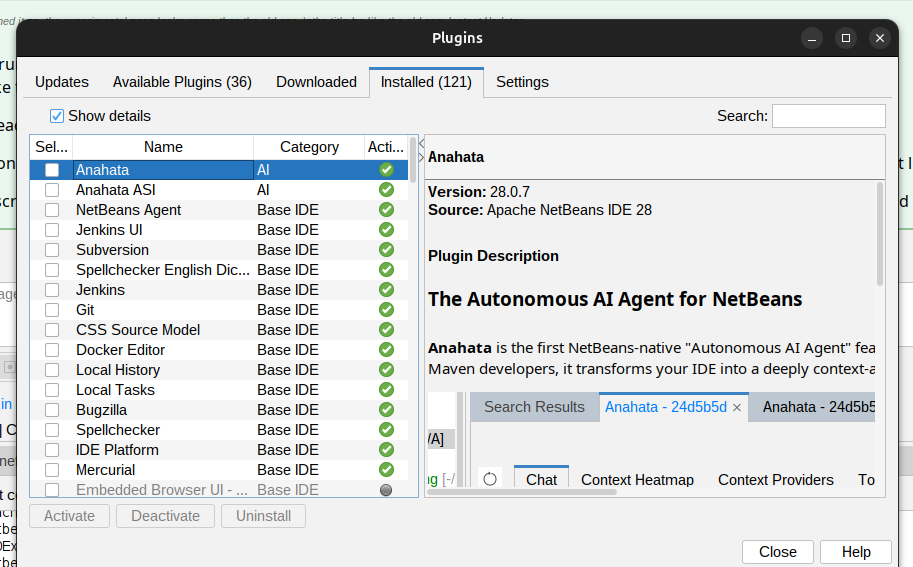
Why install the NetBeans Community Experimental Update Center?
Plugin verification by NetBeans volunteers can take days to weeks. By adding the Experimental Update Center, you can access critical patches and the latest features (like NetBeans 30 Support in 30.0.1) immediately.
Installation Steps
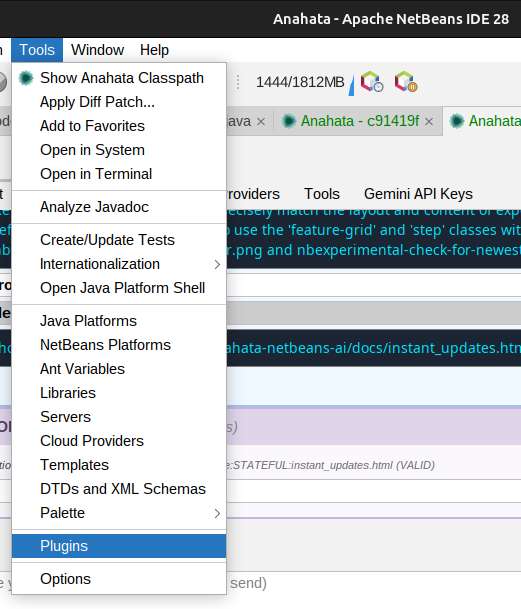
1. Open Plugin Settings
In NetBeans, go to Tools → Plugins → Settings tab.
2. Add the Experimental Catalog
Click the Add button.
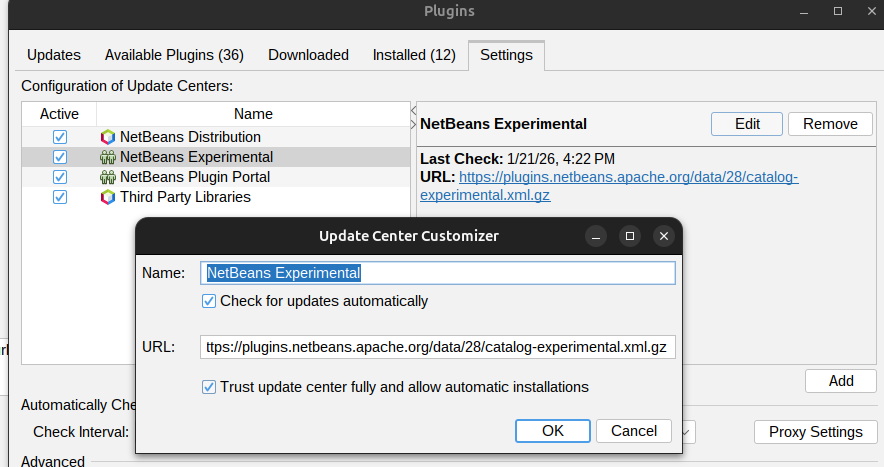
3. Enter Details
Enter the following details in the dialog:
Name:
NetBeans Community Experimental Catalog
URL:
https://plugins.netbeans.apache.org/data/30/catalog-experimental.xml.gz
4. Enable & Update
Ensure both checkboxes are ticked for the new catalog. Then, go to the Available Plugins tab and click Check for Newest to receive the latest updates automatically.