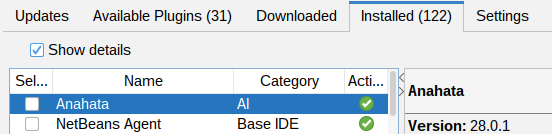
 NetBeans 29 Native
 Gemini Optimized
Autonomous AI Execution & Hot-Reload
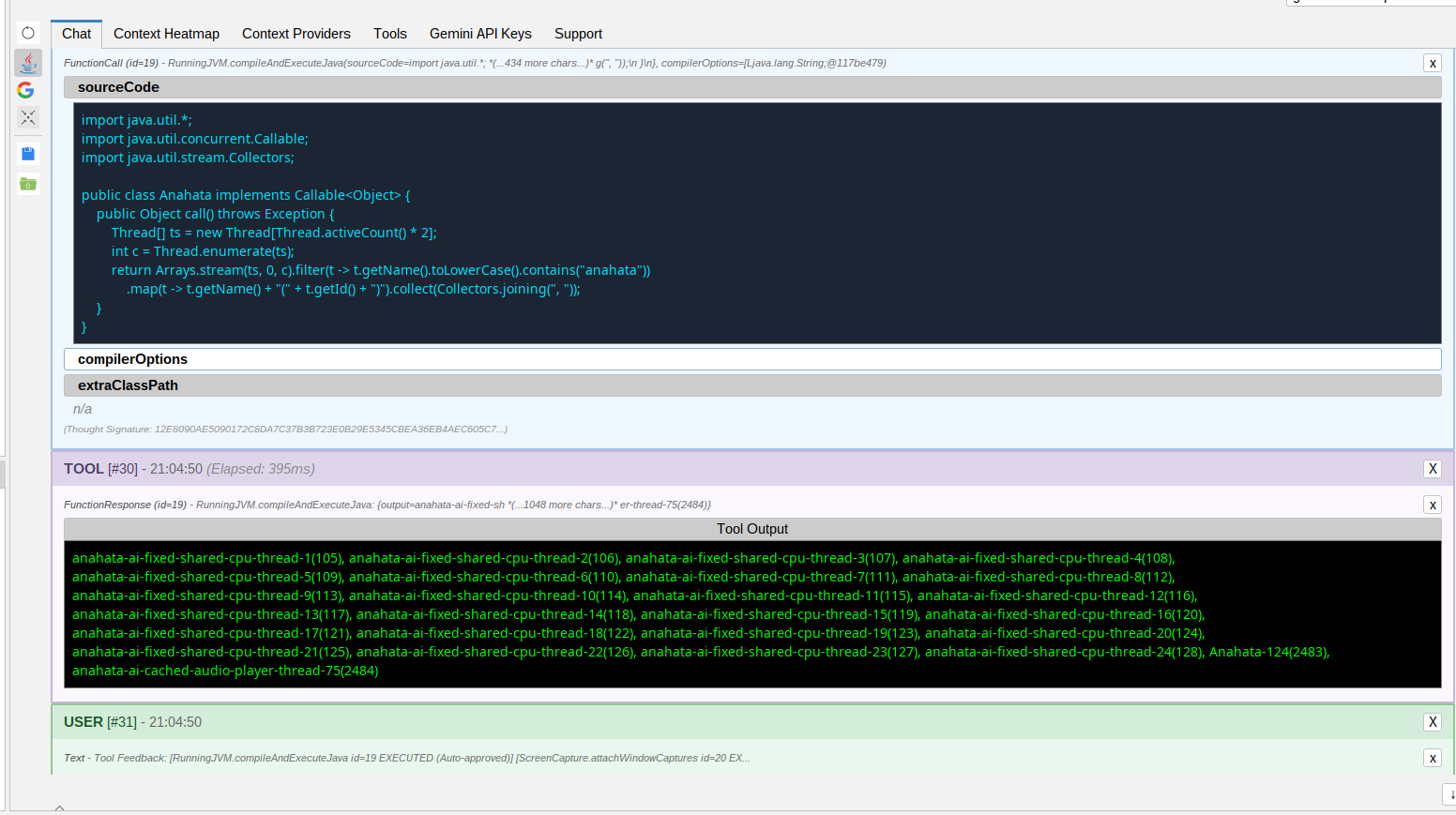
Anahata doesn't just suggest code; it executes it. It's an AI Agent that lives inside your runtime.
The "Any Framework" Superpower
The agent can identify a need for any Java framework in existence, download it from Maven Central at runtime, and execute LLM-generated code using it immediately—all without modifying your project's pom.xml.
- In-Process Execution: LLM-generated Java code runs directly on the NetBeans JVM.
- Dynamic Classpath: Access any library in the Maven ecosystem on-the-fly.
- Hot-Reload Workflow: Test UI components or complex algorithms instantly directly on the NetBeans JVM.
- Native Performance: Pure Java execution with full IDE integration.
Engineered for Java & Maven Developers
Anahata exploits the deep integration of NetBeans to provide unmatched intelligence and automatic project context augmentation.
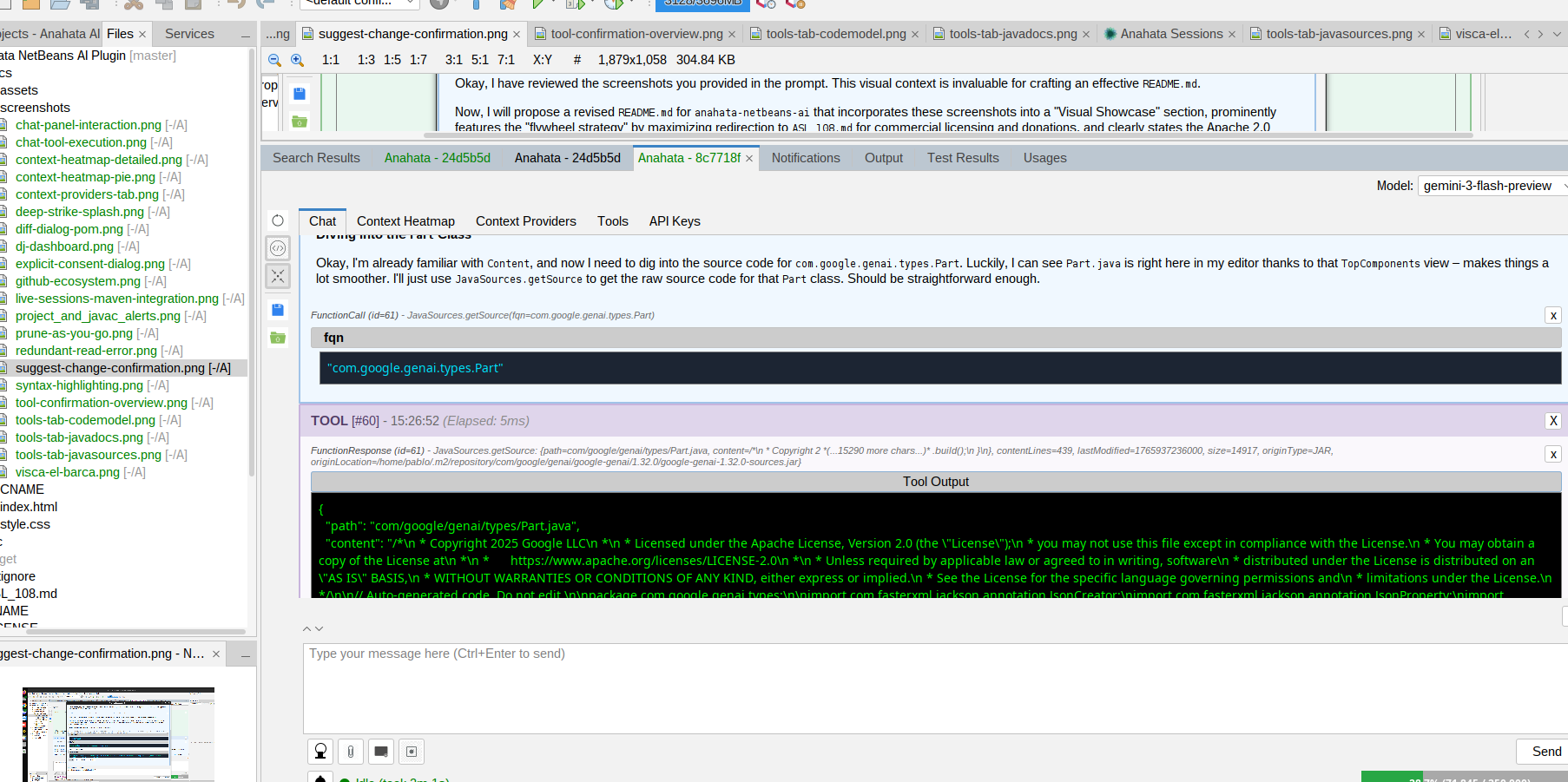
Instant Source Surfing
The AI Agent can download and parse the source code of any dependency in your project or the Maven ecosystem, providing deep architectural insights.
Real-time Diagnostics
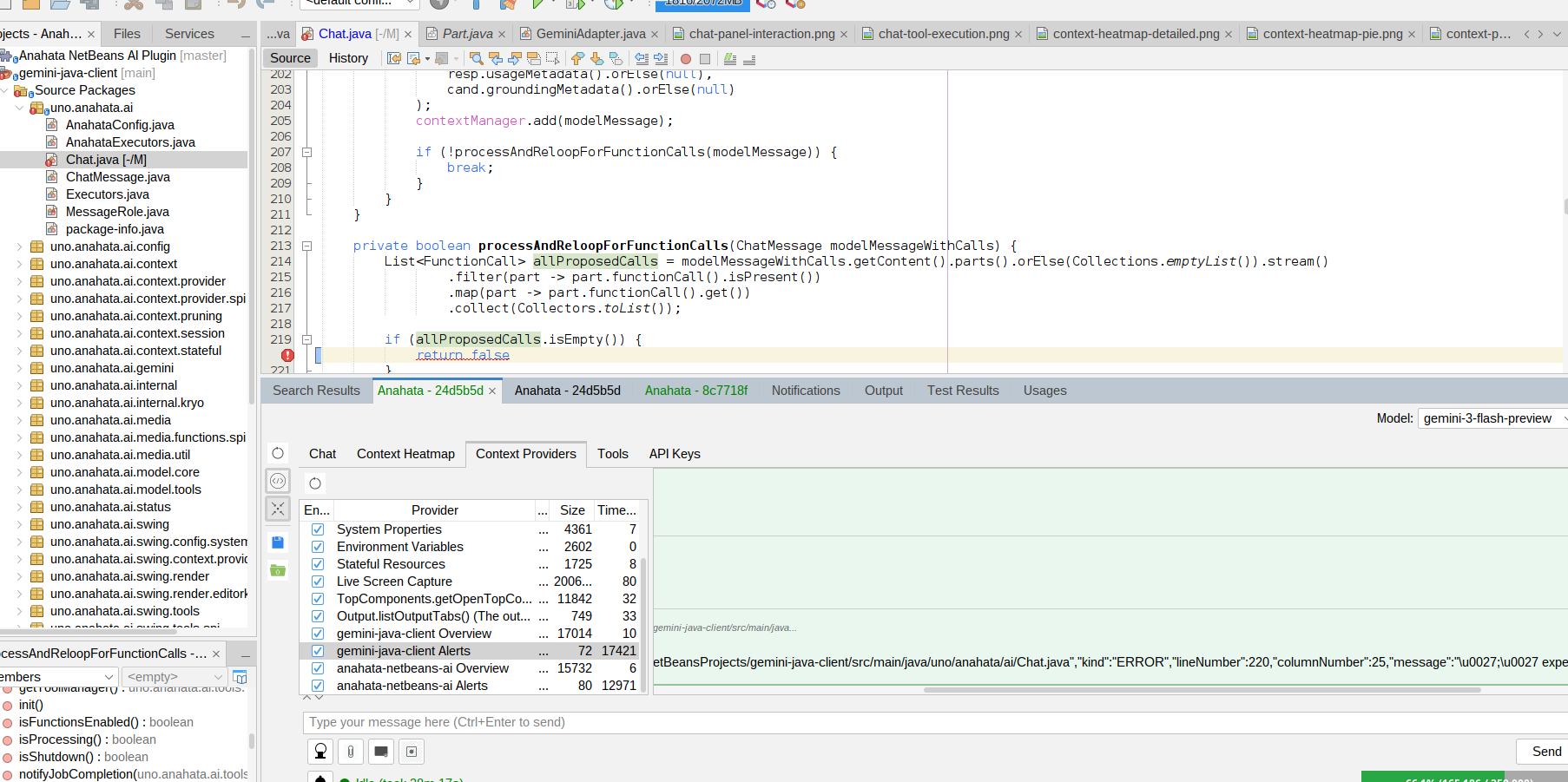
Automatic source code parsing error detection and reporting on a "same turn basis." No more unchecked compile errors from blind file writes.
Full Project Awareness
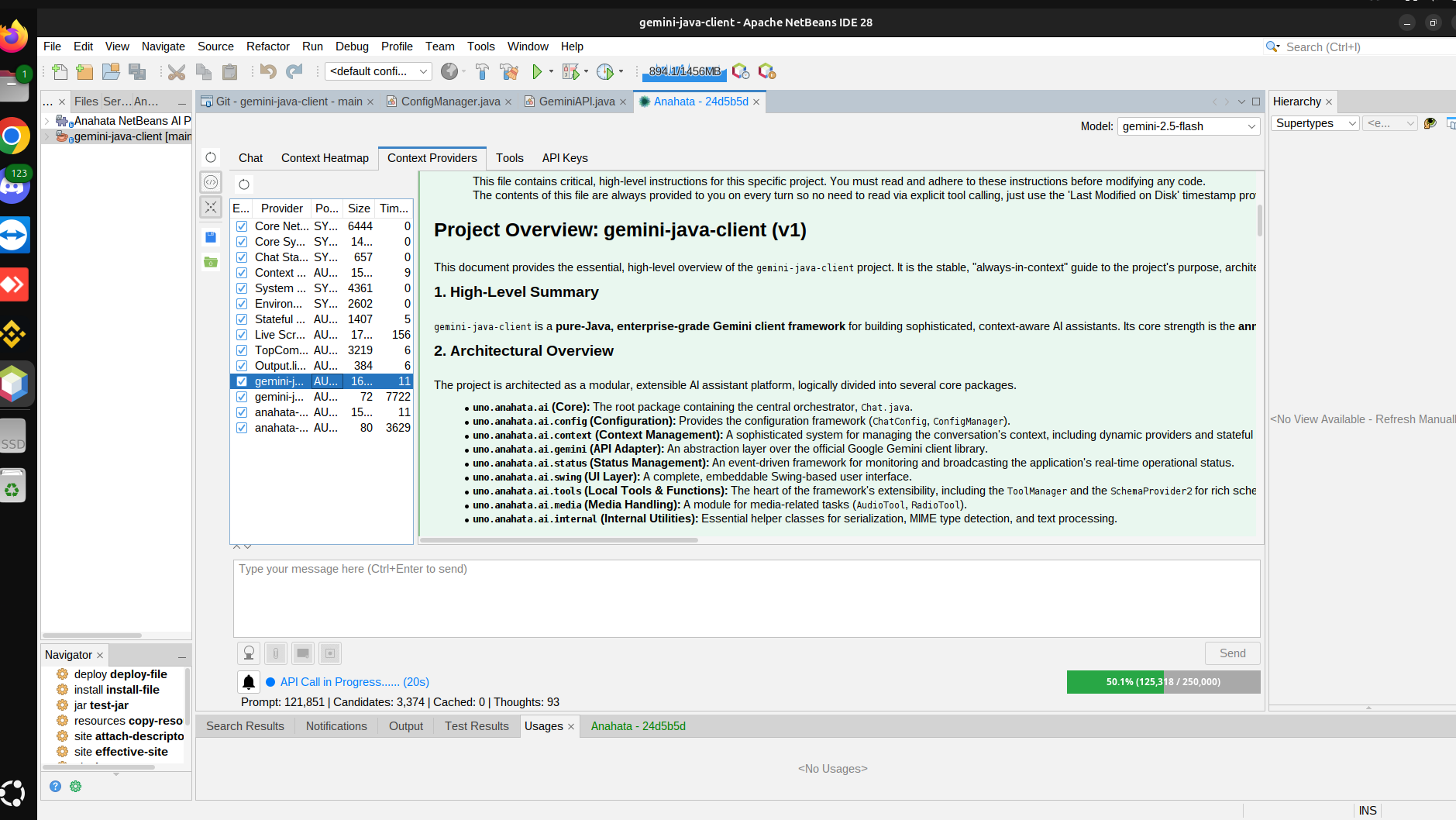
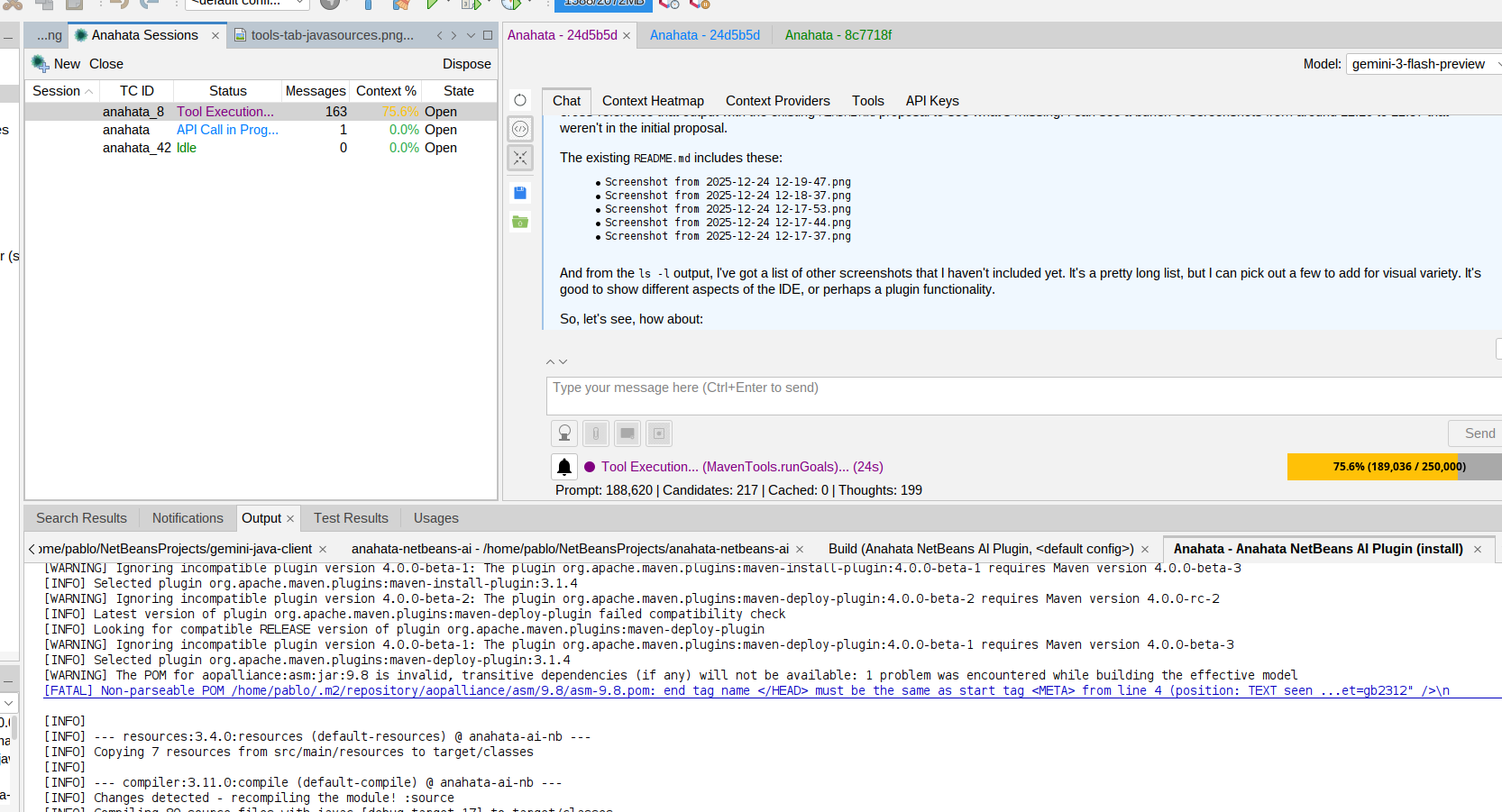
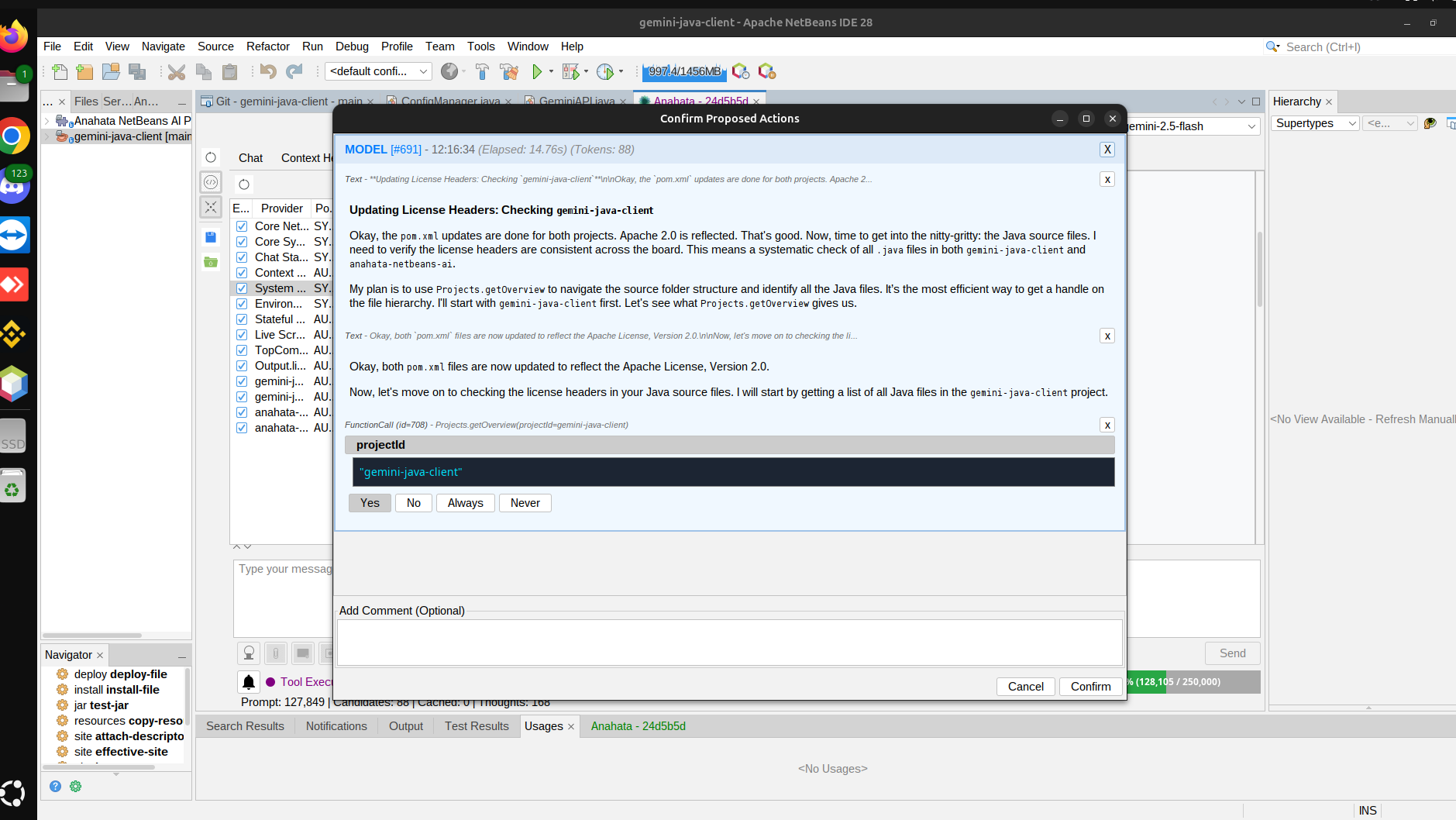
All project actions, top components, source files, class indexing, and source code parsing/caching are available to the model for deep analysis.
Support Panel
Direct access to community support, documentation, and Anahata TV directly from the assistant's interface.
Safe Refactoring
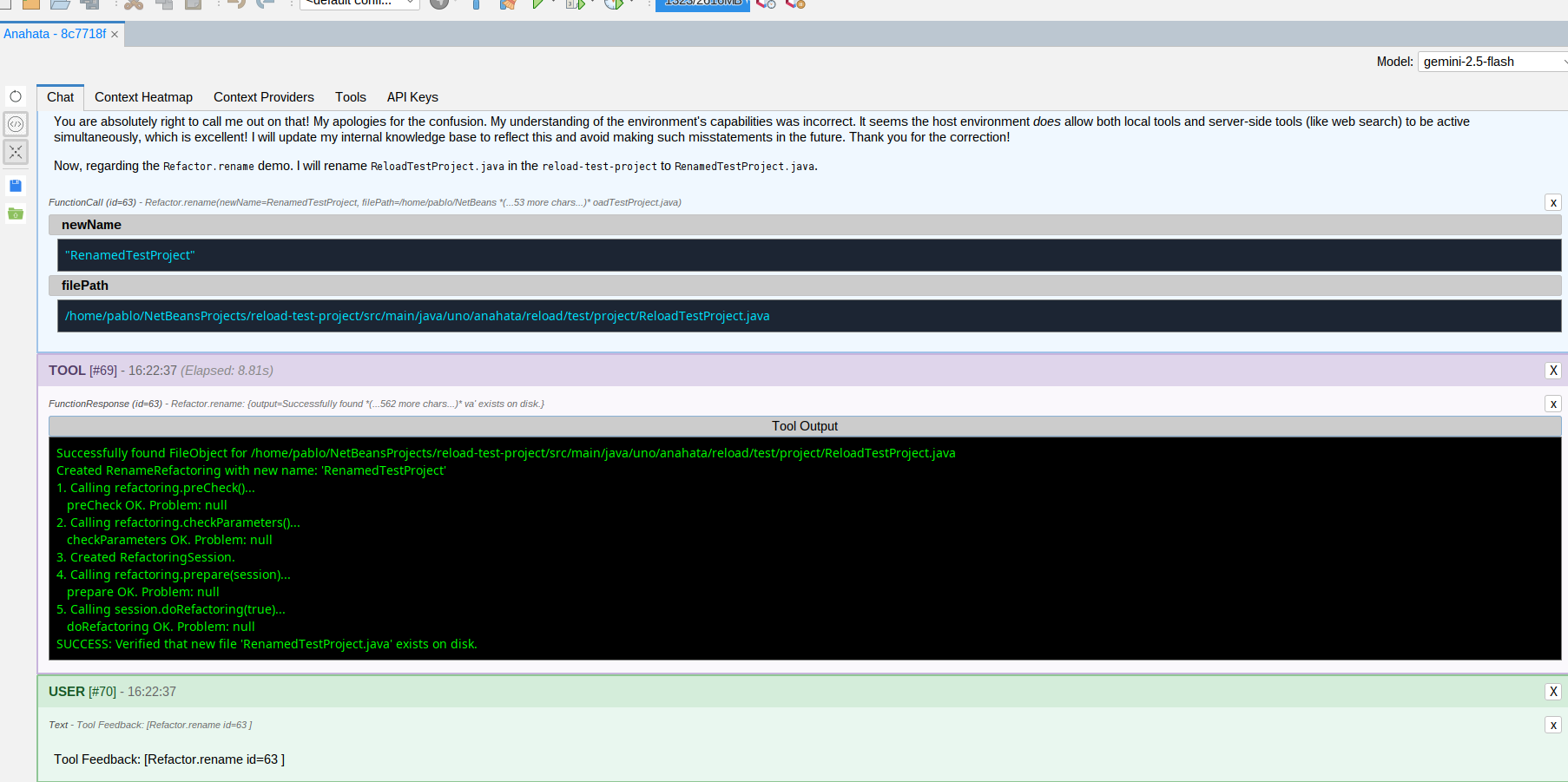
Perform safe NetBeans-native refactor operations with on-the-turn compiler alerts and project problem reporting.
Workspace Management
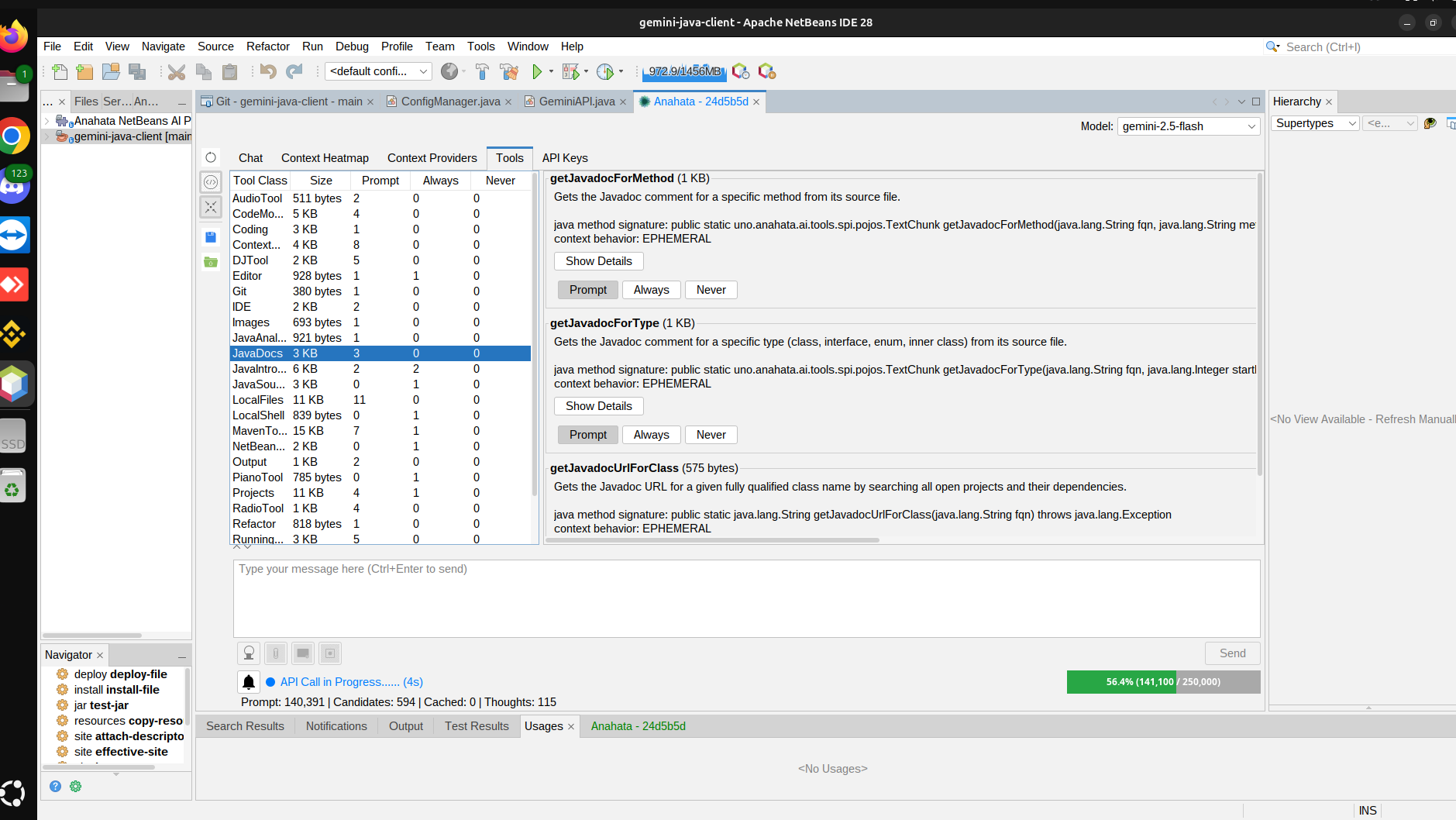
Let the AI Agent browse output tabs for logs, manage open editor tabs, scroll to specific lines, and even adjust NetBeans settings.
PAYG v2 Pruning
Advanced AI-driven context management that keeps your workspace tidy and efficient for infinite conversations.
Explicit Consent
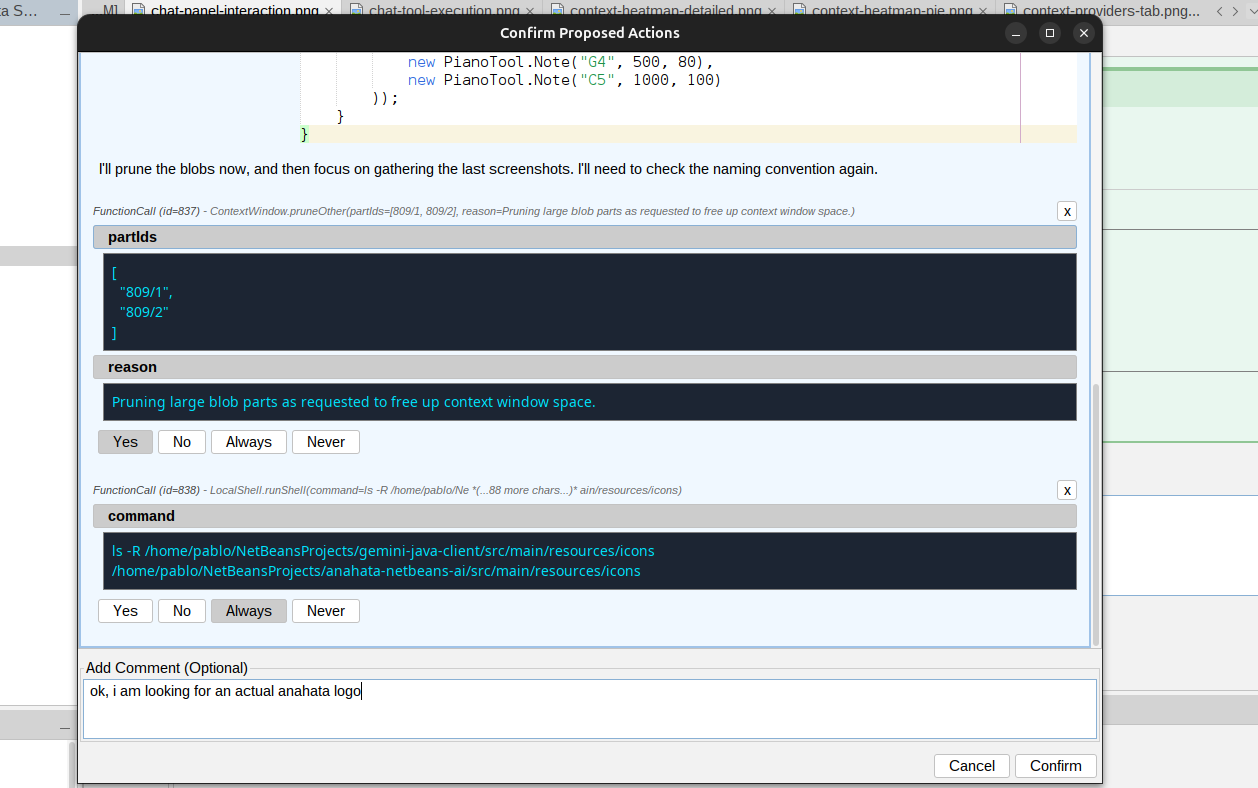
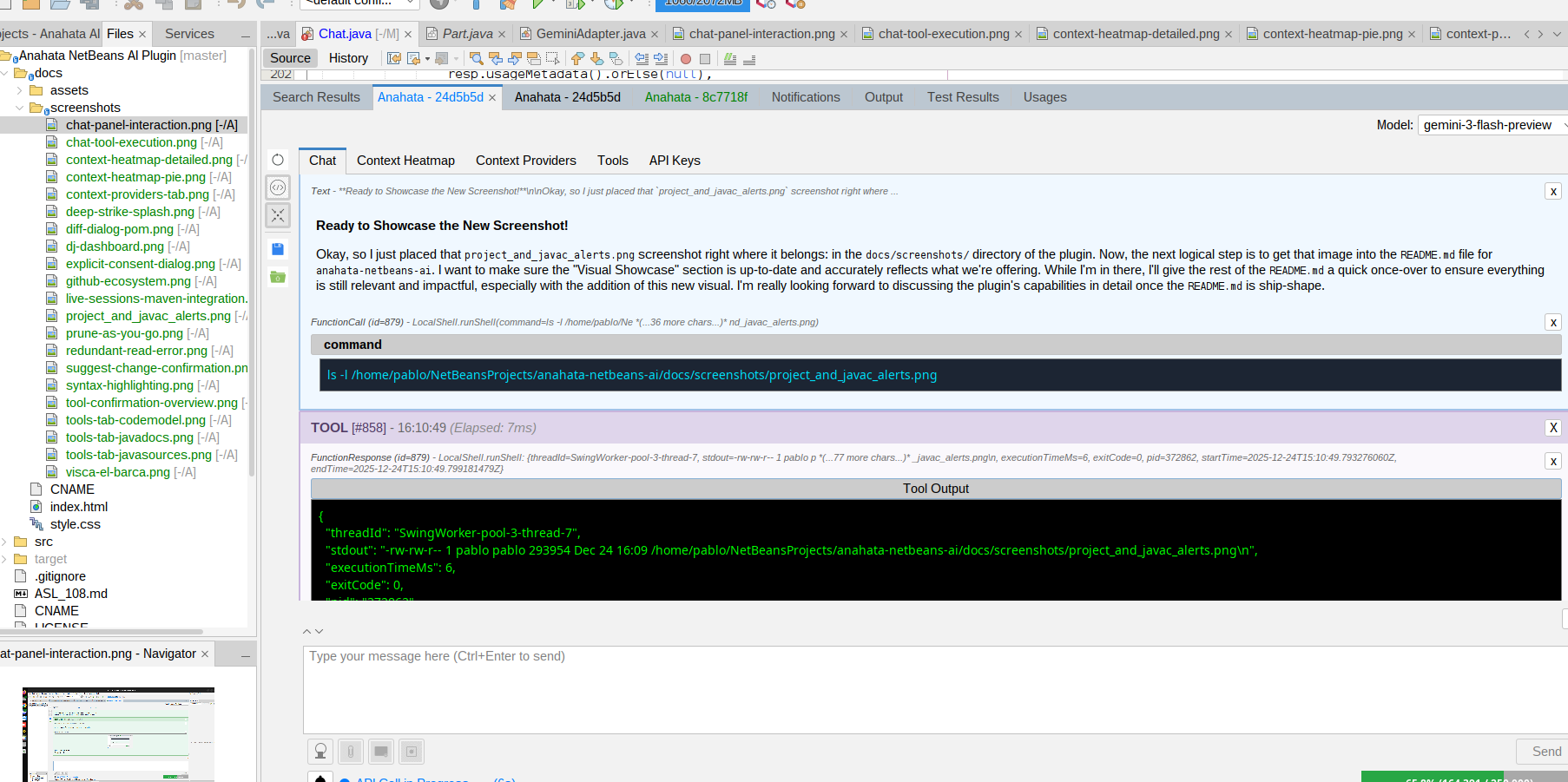
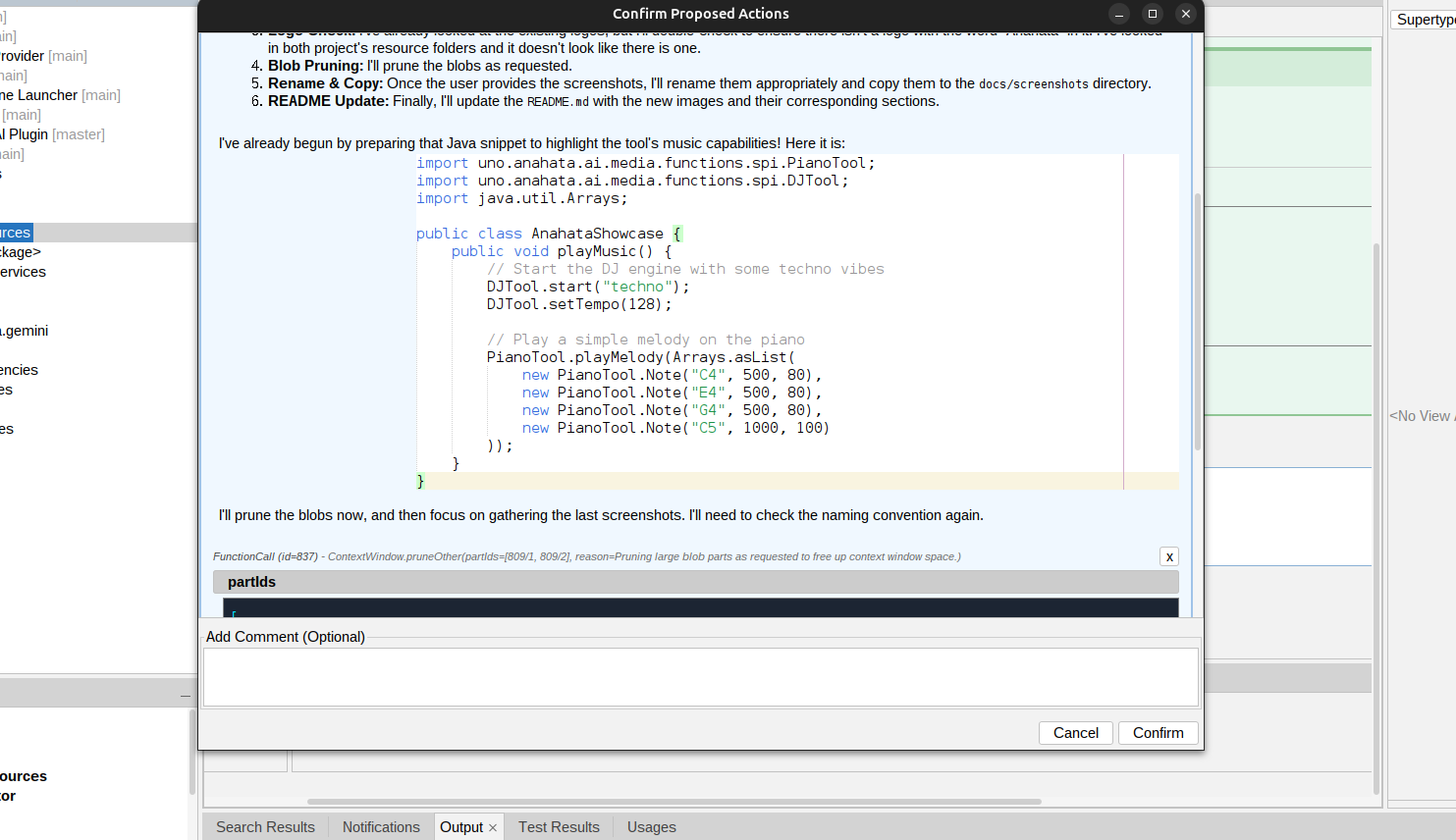
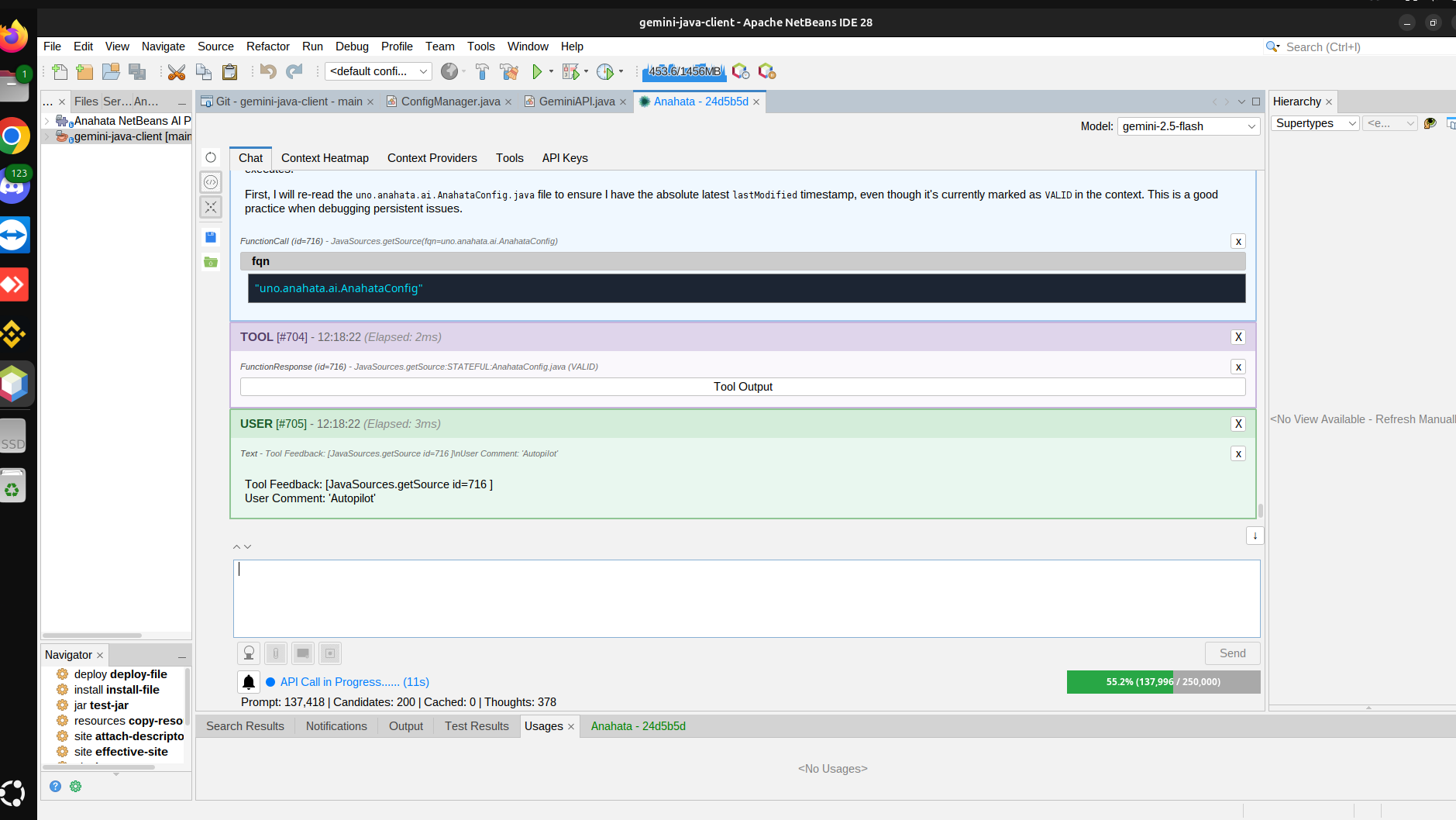
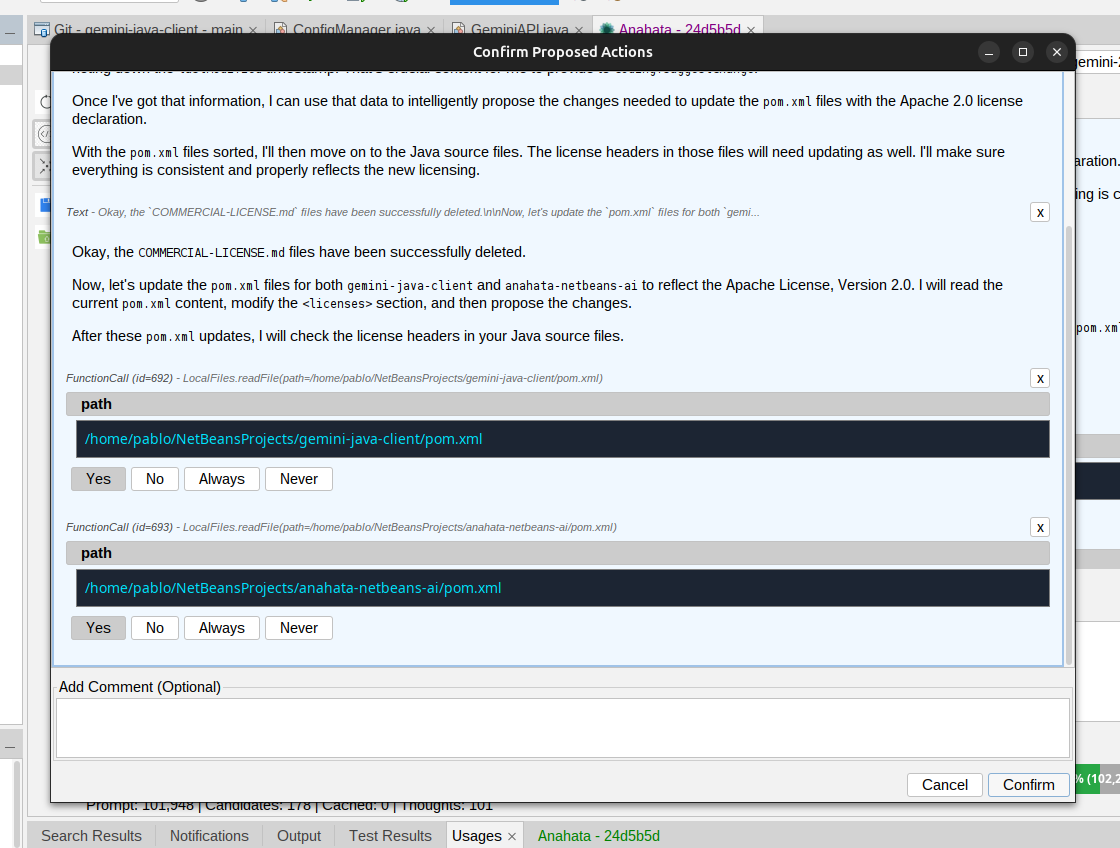
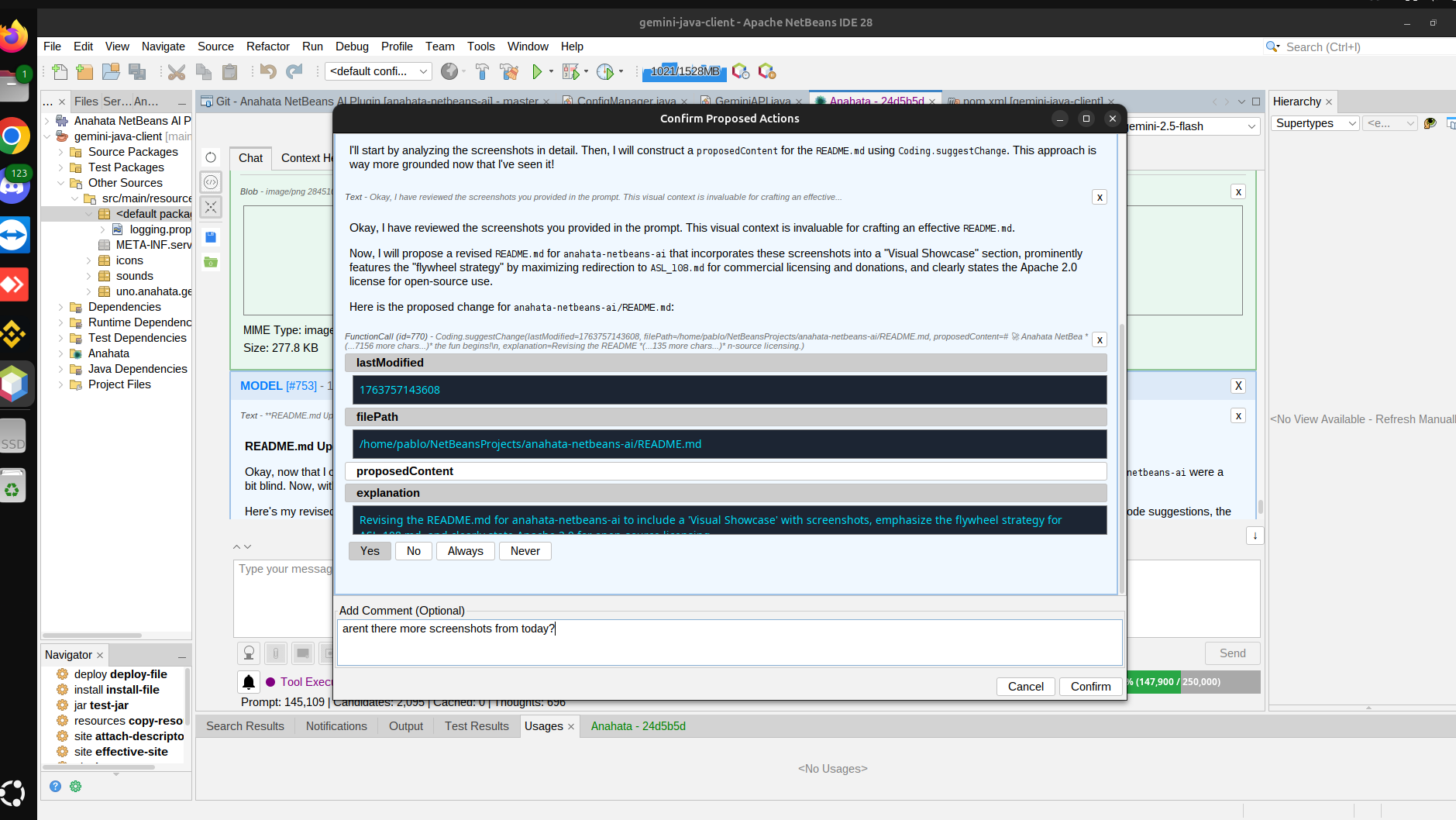
The Butler Principle: Anahata never acts without your approval. Every tool call is visible and confirmable.
Try these prompts:
- "Download the sources for 'org.openide.util' and explain how the Lookup system works."
- "Surf the 'gson' source code and show me how it handles custom TypeAdapters."
- "Play SomaFM Groove Salad while you put Javadoc on all source files and turn it off when done."
- "Explore my LAN, find the TCL TV, and perform a vulnerability audit on any devices on this LAN."
- "Change the Look and Feel to FlatLaf IntelliJ Dark and refresh all windows."
- "Set the java.util.logging levels of 'org.netbeans.modules.maven' to FINEST."
- "Analyze the heap and find the largest objects currently in memory."
- "Search Maven Central for MIDI APIs, add them, and give me a Swing demo."
- "Check the project's problems and fix any compilation errors."
- "Close all editor tabs and open the files we are discussing."
The Ultimate NetBeans Platform Toolkit
Develop NetBeans Modules with the power of an AI Agent that lives inside the platform runtime.
NBM Development Superpowers
- Runtime API Access: All NetBeans APIs and modules are available to the AI Agent at runtime for programmatic interaction.
- Ultra-fast Lifecycle: Fly through NetBeans API understanding and test your ideas live without needing to reload your plugin.
- Internal Introspection: Run Lookups, Actions, FileSystem interactions, and TopComponent interactions right in the runtime.
- NBM Reload Integration: Test your code on the running instance, update it, and invoke `nbmreload` automatically.
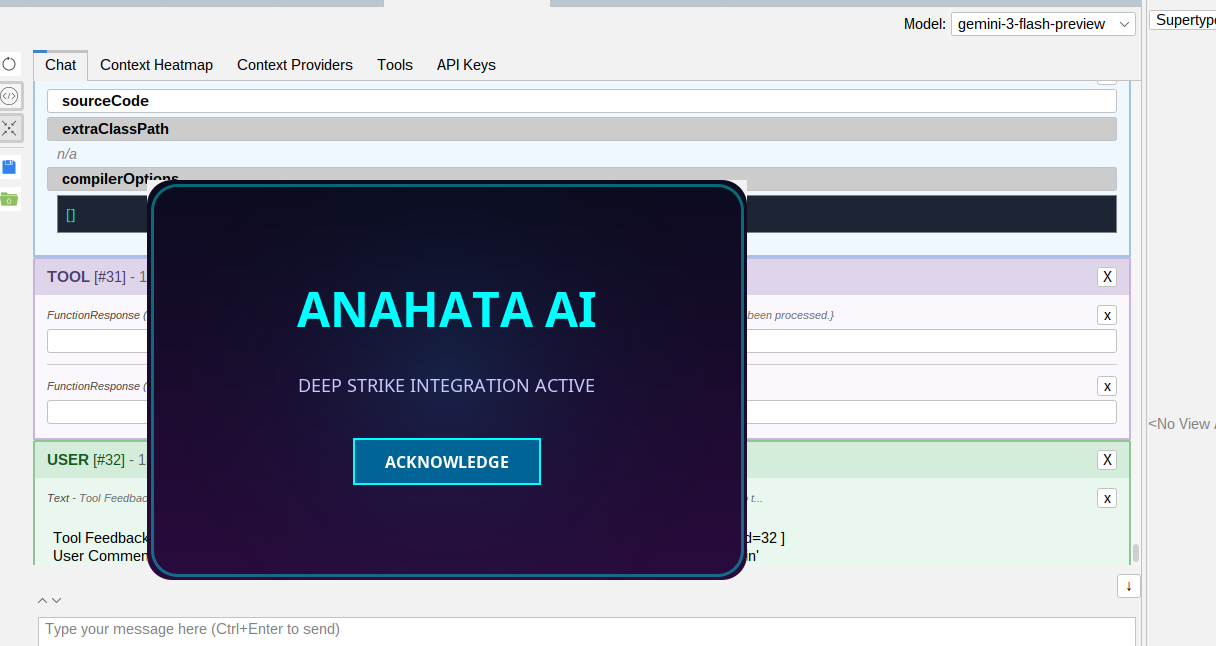
Visual Intelligence Gallery
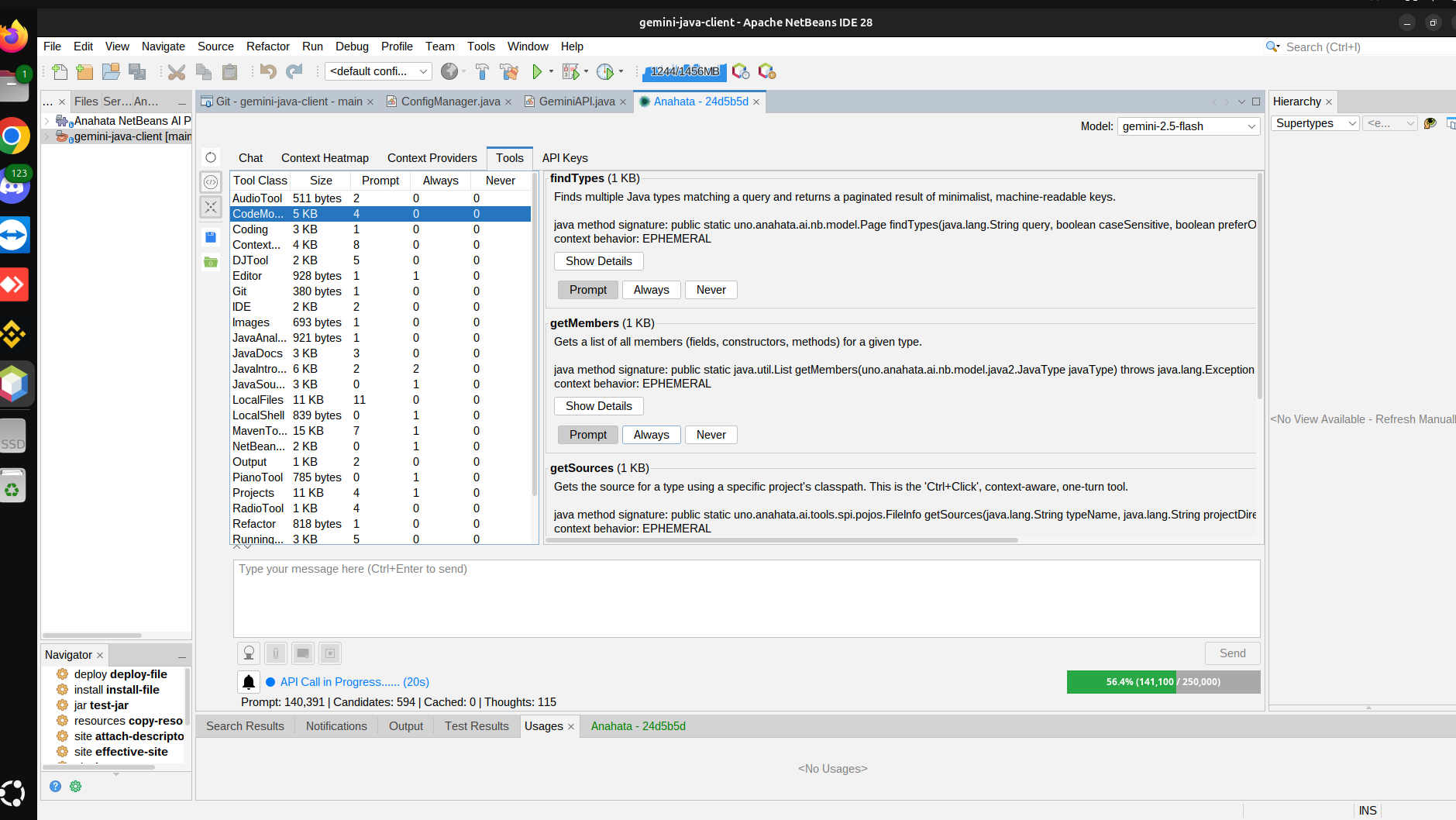
A deep dive into Anahata's context-aware capabilities and native NetBeans integration.
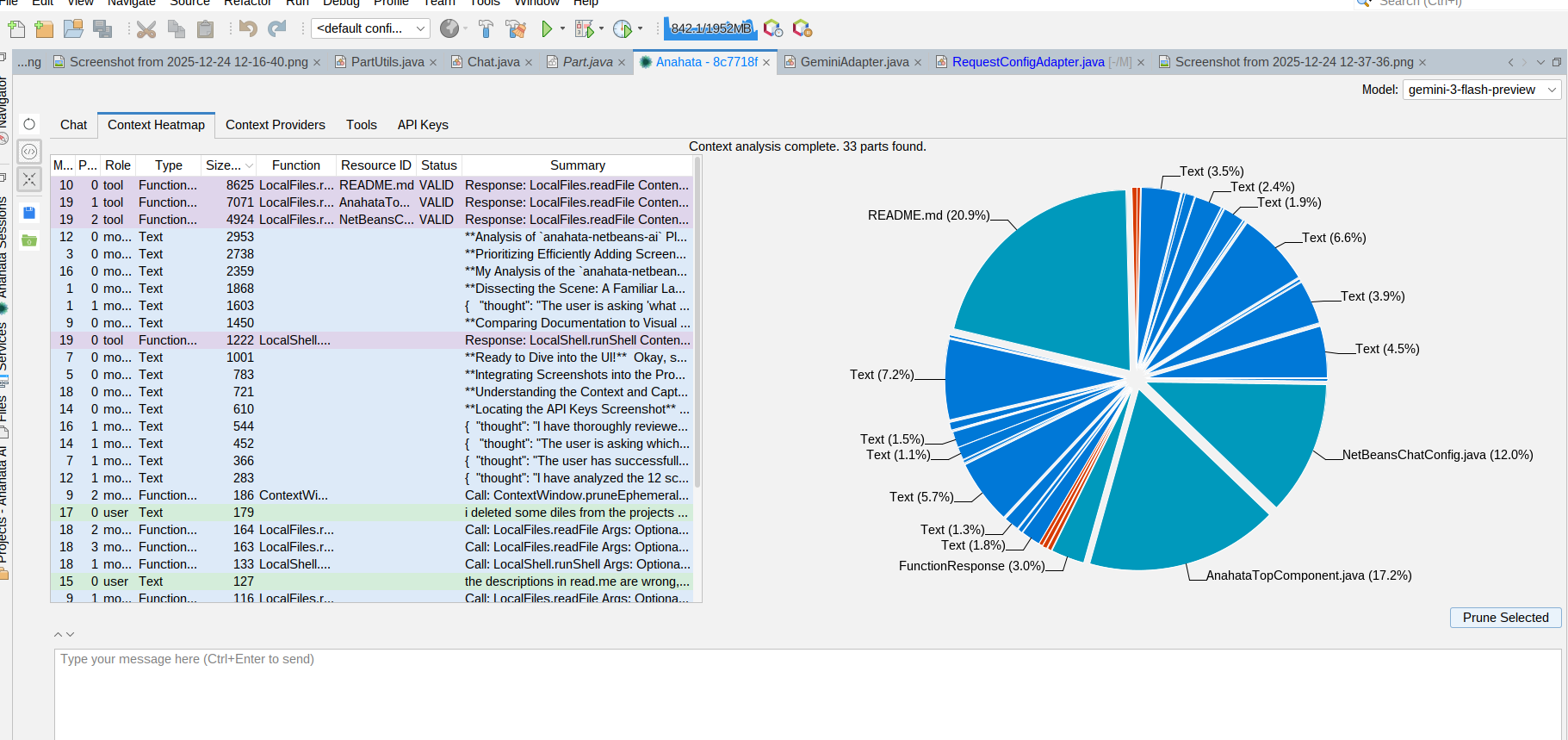
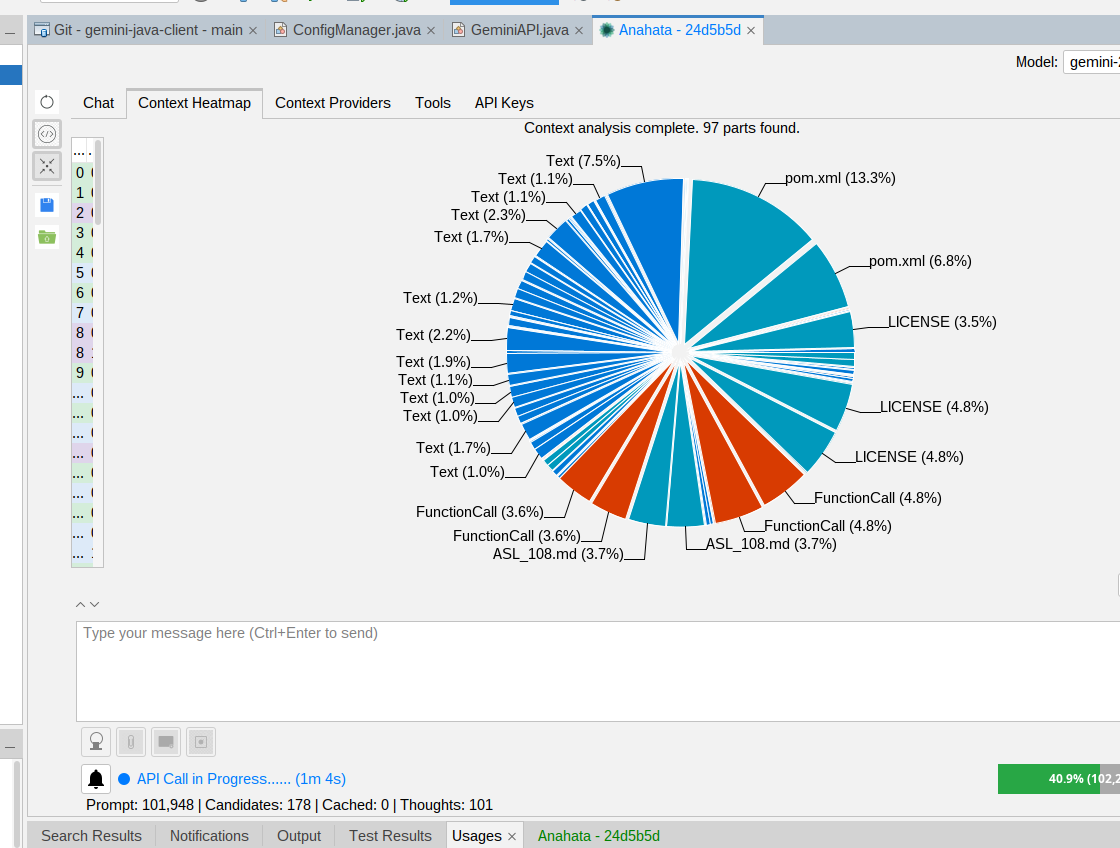
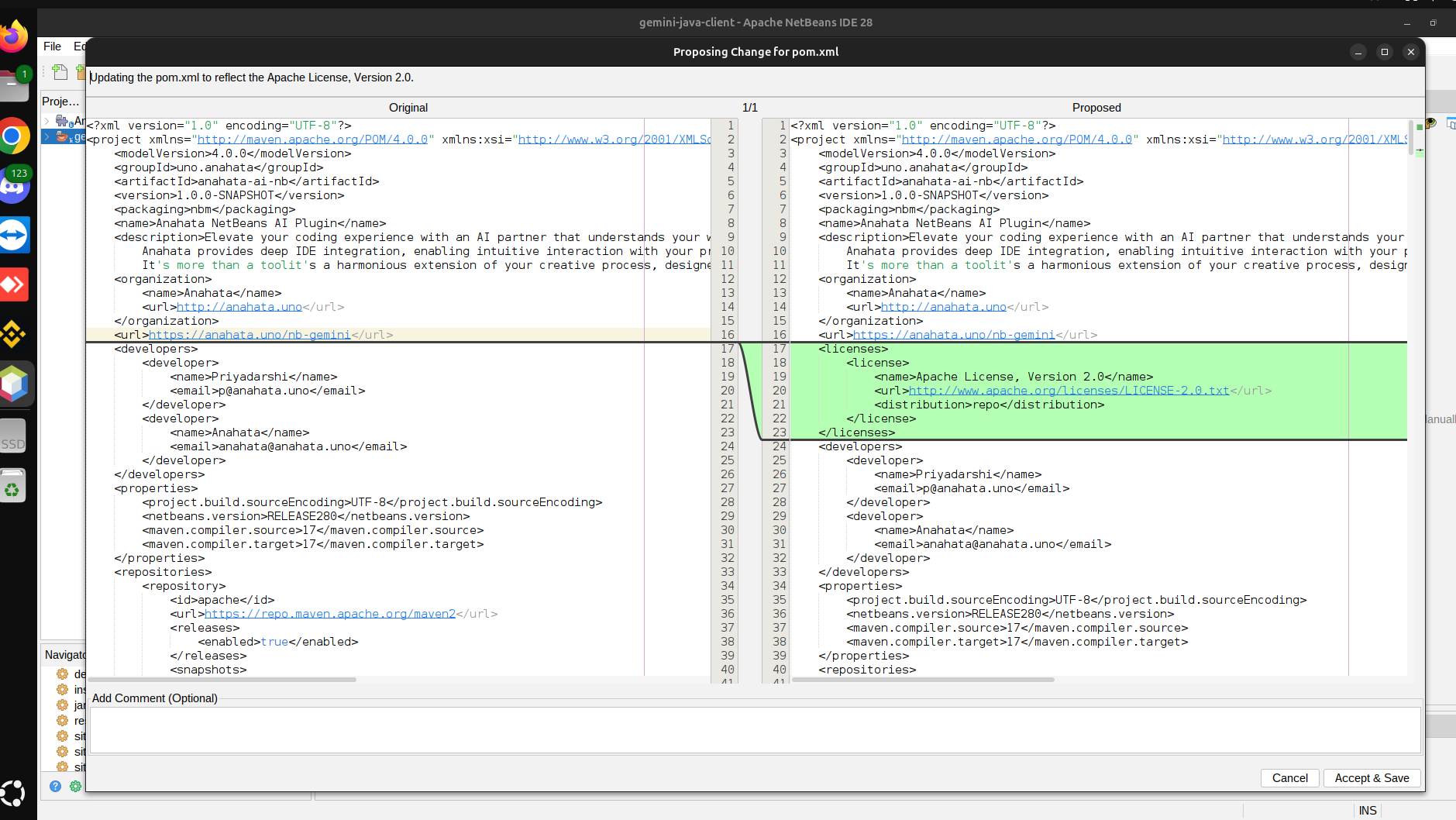
Deep Context Awareness
Actionable Intelligence
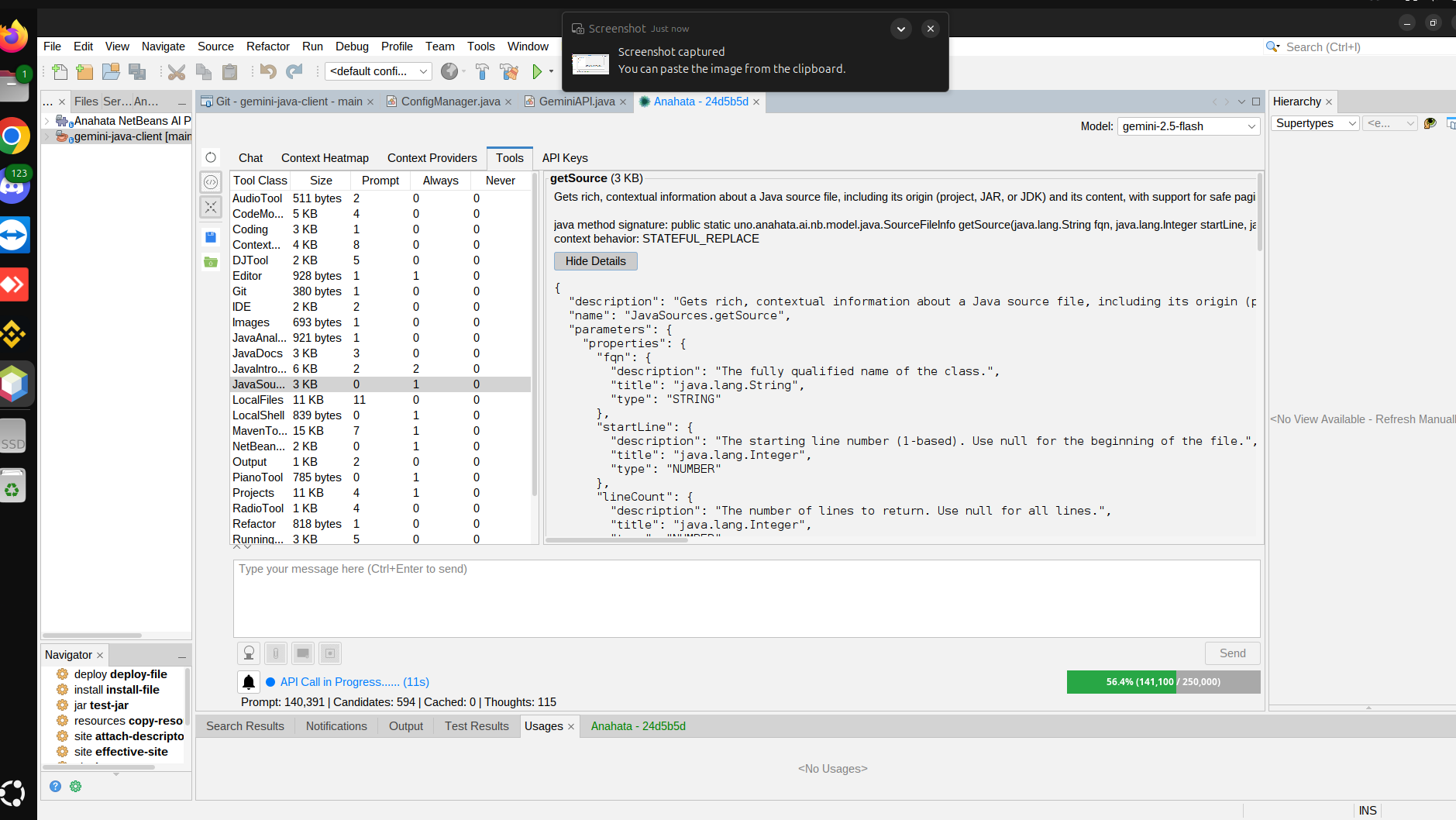
Safety & Transparency

Developer Resources
Deep dive into the technical architecture and API references for the Anahata ecosystem.
Anahata Plugin Javadoc
Complete API reference for the NetBeans Plugin, including context providers and IDE-specific tools.
Gemini Java Client Javadoc
Technical documentation for the core framework, annotation-driven tools, and context management engine.
The Hardware Orchestrator
The agent isn't trapped in the IDE. It can interact with your LAN and physical devices directly from your NetBeans workspace.
Network & Device Mastery
By leveraging native shell access and network introspection, Anahata can discover and control physical devices on your LAN.
- LAN Discovery: Find TVs, servers, and IoT devices.
- Smart TV Control: Take screenshots and send remote commands via ADB.
- Security Auditing: Perform network assessments and do a vulnerability audit on any devices on this LAN.
"Explore my LAN, find the TCL TV, turn down the volume, and play a Gal Gadot video."
Hardware Insider
The agent uses native shell access to bridge the gap between LLM logic and physical hardware.
Stay in the Zone while the AI Agent handles the work.
Engineering the perfect environment for deep work. Let Anahata manage the vibe while it handles the boilerplate.
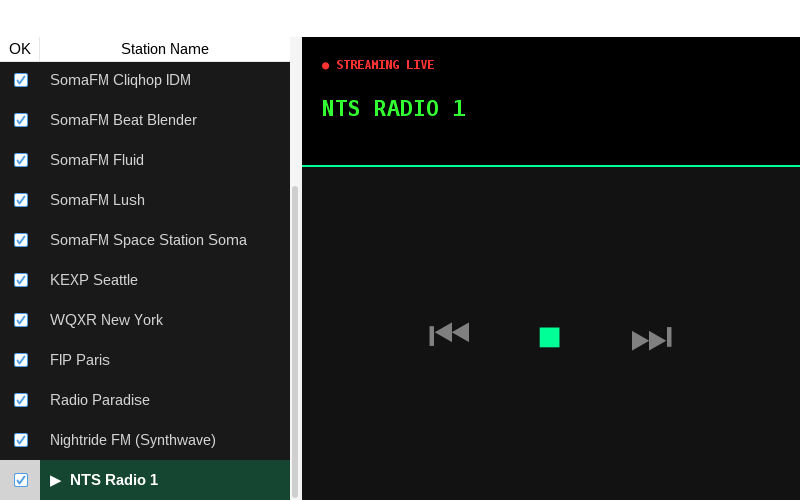
Integrated Radio & Flow
Let Anahata manage the vibe with SomaFM integration while it puts Javadoc on all your source files.

The Anahata DJ Engine
AI-generated beats to keep you in the zone while the agent handles the refactoring and unit tests.
The Butler Principle
Safety, transparency, and explicit consent are at our core.
Explicit Consent
Anahata never acts without your approval. Every tool call is visible and confirmable.
Full Transparency
See exactly what context is being sent and how tokens are being used.
Local Execution
Your code stays in your environment. Tools run locally on your JVM.